


March 28, 2026, 5:07 am | Read time: 3 minutes
Technical devices sometimes have the annoying habit of drawing attention to themselves with beeping or other noises. What manufacturers consider practical can annoy users, such as with microwaves. Some microwaves, however, offer the option to turn off the beeping. myHOMEBOOK explains how to activate this mute function.
Why Microwaves Beep in the First Place
Often, sound signals in technical devices are just gimmicks, like the key tones on smartphones. With a microwave, it’s a bit different. The beeping serves a clear function and is not necessarily unnecessary noise.
Basically, the beeping acts as an auditory reminder in our often hectic daily lives, where people are simultaneously loading the dishwasher, making phone calls, and giving instructions to their children. This can lead to forgetting things, such as the heated lunch in the microwave.
Additionally, sounds signal possible malfunctions. Without an auditory signal, it’s not always clear whether the device is still busy heating the food or not.
For people who don’t see as well anymore, a beep provides auditory orientation and signals: “The food is ready.”
When the Beeping Is More of a Nuisance
Understandably, many people find the loud beeping annoying. That’s why there are plenty of reasons to mute a microwave:
- if the device is in an open-plan kitchen with a sleeping area, the beeping can become annoying over time
- in households with small children who are magically drawn to the beeping and may then touch the hot dish or boiling food out of curiosity
- when used in the early morning or late evening hours, when other residents still want to sleep

Can You Stop a Dishwasher Mid-Cycle?

Secret Button on the Washing Machine? What’s Behind It
Turning Off Beeping Usually Possible Through Workarounds
How and whether the beeping on a microwave can be turned off depends on the age of the device. What many microwave users don’t know is that many newer models have a mute function.
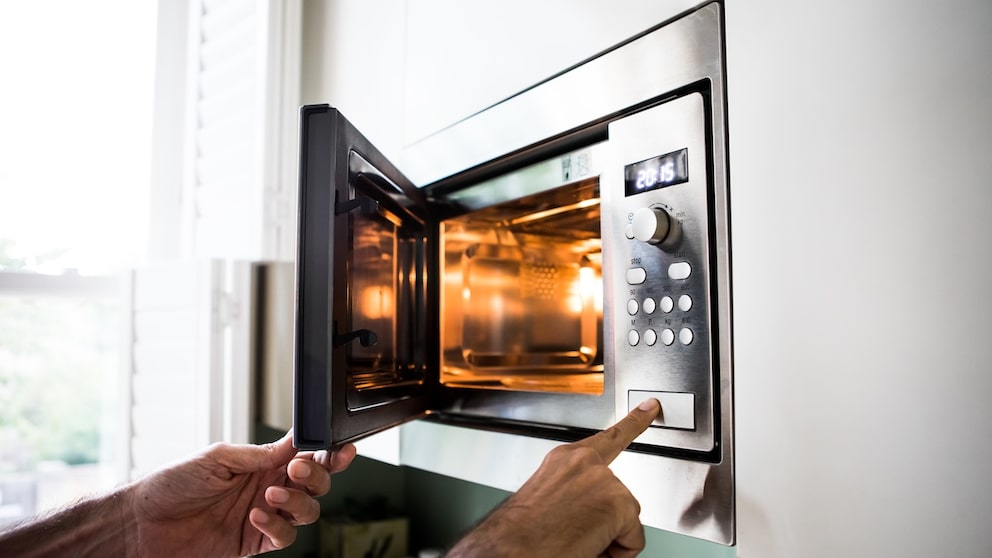
However, the sounds can often only be deactivated through a special key combination. In most cases, muting works by pressing the “Stop” or “Start” button for a longer time. With some devices, pressing two buttons simultaneously is necessary to turn off the beeping, such as “0” in combination with “Stop.”
The key combination that silences all sounds on your microwave is usually found in the user manual. The hint for an existing mute function is often hidden in the “Sound Signals” chapter.
Microwaves from the higher price segment allow further adjustments to the sound signals. For some devices, the volume of the sounds can be regulated. Instead of muting the device completely, individual signals can sometimes be selectively turned off.
Devices Without Mute Function
Older devices or entry-level microwaves do not have an option to completely turn off sound signals. Here, the only solution is to open the door two seconds before the end. However, this doesn’t work reliably with these devices, as certain automatic programs cannot be ended early, or opening before the program ends is at least not entirely straightforward.